[Return to Logic Circuit Design Tutorial Home]
How to Set Delay on Circuit Components
Table of Contents
- Add Gate Delay
- Delete Gate Delay
- Simulation with Gate Delay
- Waveform with Gate Delay
1.Add Gate Delay
[1-1]Open schematic
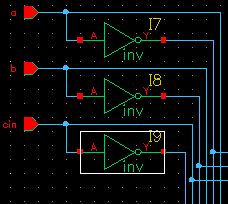
[1-2]Select the gate that you want to set the delay
[1-3]Open Gate Property
|
Click Property Icon
|
|
 |
|
|
|
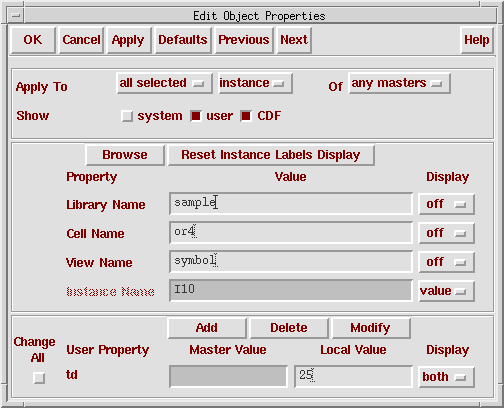
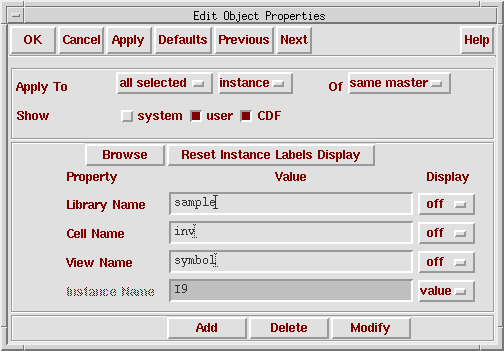
"Edit Object Properties" window is launched
|
|
 |
|
|
[1-4]Adding Gate Delay Property
|
Click "Add" button on "Edit Object Properties" window
|
|
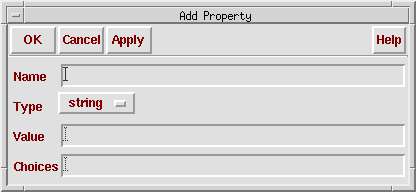
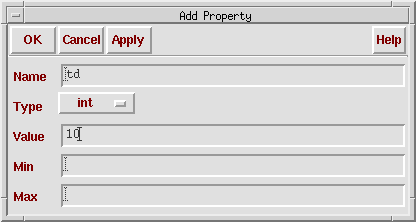
"Add Property" window is launched
|
|
 |
|
|
|
Input Name(=td), Type(=int), Value(=specified gate delay)
|
|
After input property, Click "OK" button
|
|
 |
|
|
|
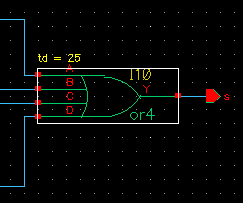
Delay setting is finished
|
|
|
|
*If you want to apply gate delay on group
|
|
*Please change "Apply to" pull down menu on "Edit Object Properties" window
|
[Return to TOP]
2. Delete Gate Delay
[2-1]Select the gate that already set the delay
[2-2]Click property icon. "Edit Object Properties" window is launched
[2-3]Delete Gate Delay Property
|
Click "Delete" button on "Edit Object Properties" window
|
|
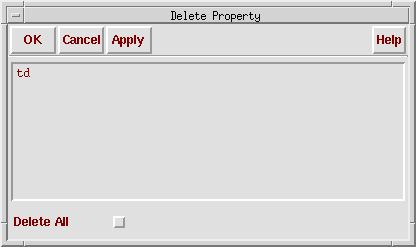
"Delete Property" window is launched
|
|
 |
|
|
|
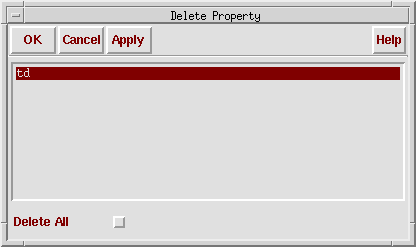
Select property which you want to Delete
|
|
After select property, Click "OK" button
|
|
 |
|
|
|
Gate delay is deleted
|
|
|
[Return to TOP]
3. Simulation with Gate Delay
- Main flow of simulation is same as previous exercise but we have to set a input interval(#time) in test bench very carefully.
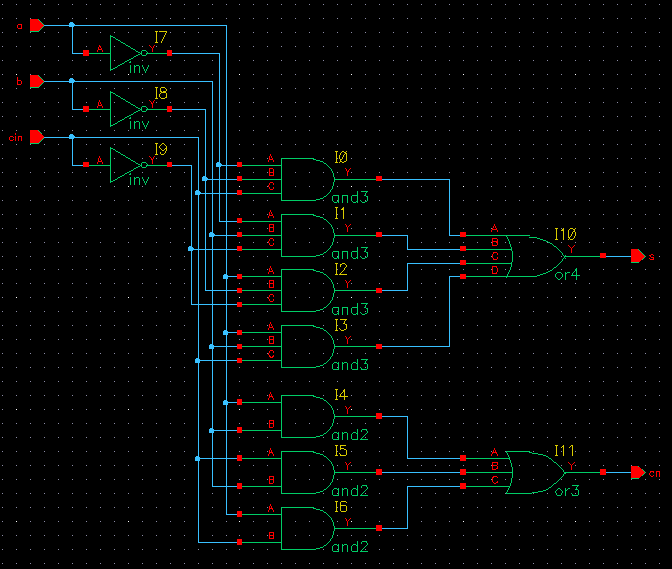
- Simple example is as follow
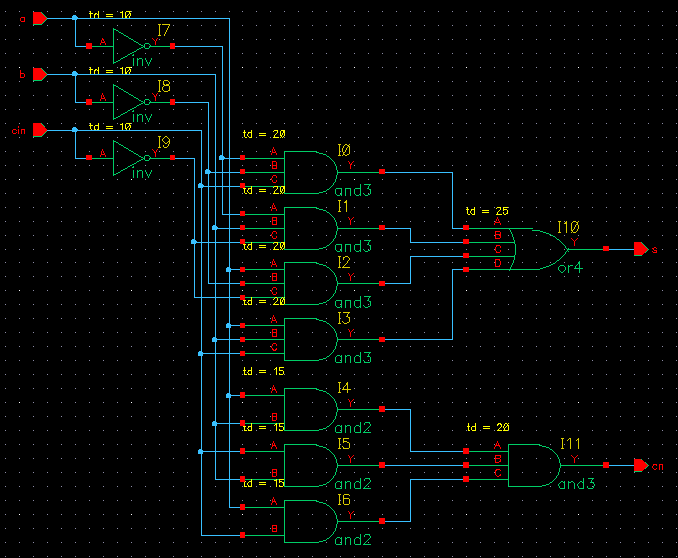
- Critical path(Longest path between input and output) delay of this circuit is 55ns. Therefore the input interval must set larger than 55ns. If the input interval is smaller than 55ns, input signal is changing before output signal is stable.
- Example of test bench file is as follow0(In this example, we set input interval to 60ns)
    // Please do not create a module in this file.


    // Default verilog stimulus.

    initial
    begin

       a = 1'b0;
       b = 1'b0;
       cin = 1'b0;

       #60

       a = 1'b1;

       #60

       a = 1'b0;
       b = 1'b1;

       #60

       a = 1'b1;

       #60

       a = 1'b0;
       b = 1'b0;

       #60

       a = 1'b1;

       #60

       a = 1'b0;
       b = 1'b1;

       #60

       a = 1'b1;

       #60

       $finish;
    end

    always #240 cin = ~cin;
[Return to TOP]
4. Waveform with Gate Delay
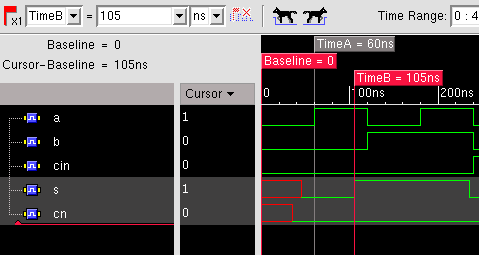
- Output signal is stable 55ns after from last input changes. Therefore, we check output signal after this point.
- Simple example is as follow
- Input signal is changed at 60ns. Output signal is stable at 105ns.
[Return to Logic Circuit Design Home/Return to Logic Circuit Design Tutorial Home]